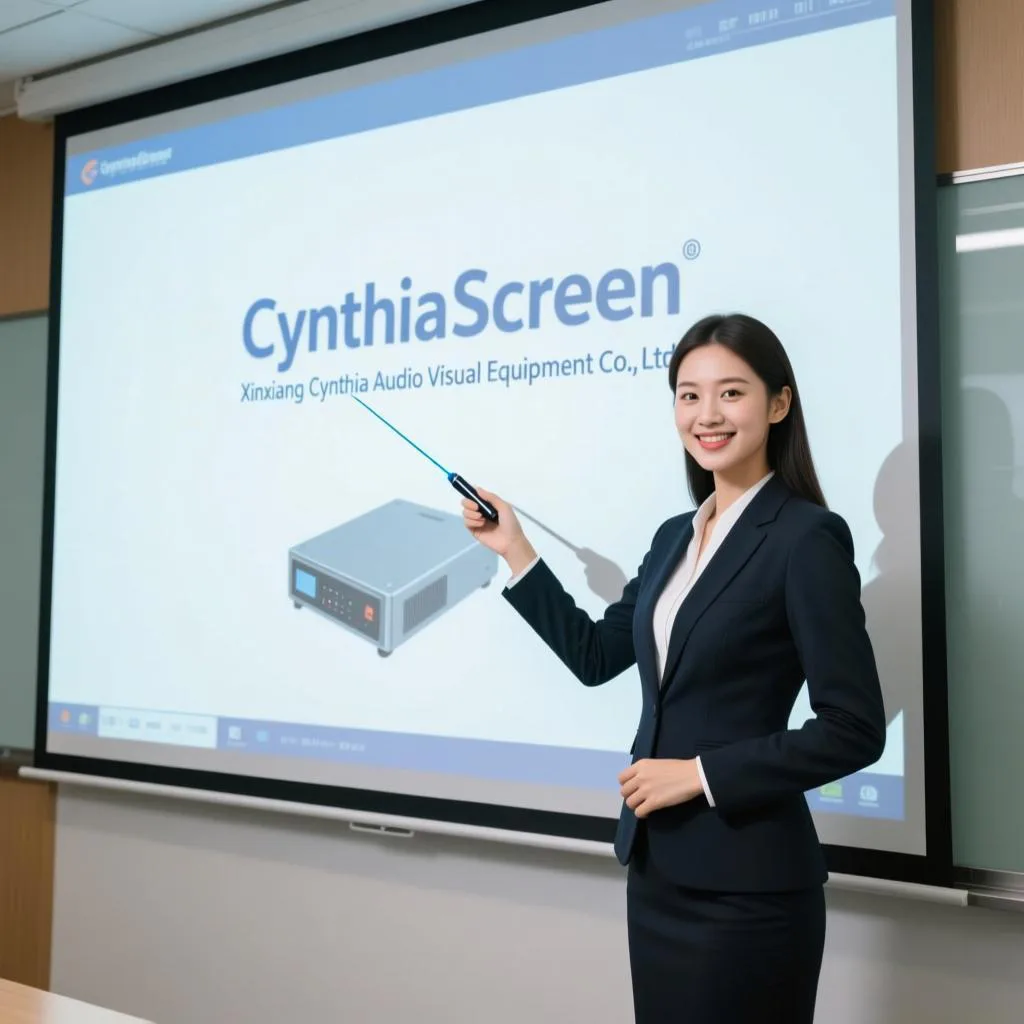

Choosing the right projection screen is crucial for achieving the best image quality, whether for home theater, business presentations, or specialized applications. The ideal screen depends on your specific use case, environment, and projector type.
Types of Projection Screen
1. By Installation Method
- Tripod Screens: Portable and easy to set up, ideal for mobile presentations and temporary setups.
- Wall-mounted Screens: Fixed on walls, suitable for spaces where the screen doesn’t need frequent moving.
- Electric Screens: Motor-operated screens that can be retracted into housings, often compatible with remote control systems. These are convenient for permanent installations.
- Fixed Frame Screens: Permanently installed on walls or ceilings, providing the flattest surface for optimal image quality.
- Ceiling-mounted Screens: Installed on ceilings, perfect for spaces where wall mounting isn’t feasible.
2. By Screen Material
- White Plastic (Matte White): The most common and economical choice. It offers accurate color reproduction and wide viewing angles (>160 degrees), making it suitable for general home and business use in controlled lighting.
- Glass Fiber: Available in white and gray, with a fiberglass base that provides excellent flatness and resistance to environmental changes. It doesn’t curl or warp easily, making it a premium choice for both home and commercial use.
- Grey Metal: A premium option with superior contrast and ambient light rejection. Its special metal molecular honeycomb array makes colors brighter and blacks deeper. Ideal for home theaters, command centers, and environments with ambient light.
- PVC Soft Screen: Known for rich stereoscopic effect and translucent image quality. These screens typically require tensioning systems (like pull-tab or fixed frames) to remain flat.
- Anti-Light Screen: Features a special optical layer that reflects specific light angles, significantly reducing ambient light interference. Best used with ultra-short throw laser projectors.
- Glass Bead: Provides high gain (2.5-2.8) but has a narrow viewing angle (about 45 degrees). Suitable for low-lumen projectors but tends to yellow over time and cannot be cleaned.
3. By Screen Shape
- Flat Screens: The standard choice, suitable for most applications. Perform best in environments with controlled lighting.
- Curved Screens: Includes arc and ring screens that wrap around the audience. The curved surface enhances immersion and reduces peripheral distortion. Ideal for simulation environments, planetariums, and advanced home theaters.
- Slanted Screens: Installed at a slight angle to direct reflected light toward the audience area, improving brightness for viewers.
Application-Based Screen Selection
| Application Scenario | Recommended Screen Type | Key Considerations |
|---|---|---|
| Home Theater | Grey metal, High-contrast gray, Fixed frame | Prioritize contrast and color reproduction; consider ambient light conditions |
| Business Presentations | White plastic, Portable tripod, Electric | Focus on portability and ease of use; suitable for various lighting conditions |
| Education/Training | Fixed installation, Glass fiber | Durability and frequent use; fixed installation reduces maintenance |
| Large Venues/Events | Large electric screens, High-gain screens | Size and brightness; ensures visibility for all attendees |
| Immersive Experiences | Curved screens (arc, ring, dome) | Wrap-around effect for immersive viewing |
| Outdoor Use | Portable tripod, All-weather materials | Portability and resistance to environmental factors |
How to Choose the Right Projection Screen
1. Identify Your Primary Use Case
Your specific needs should guide your selection. For mobile presentations, choose portable tripod screens. For fixed home theaters, consider electric or fixed-frame screens. For environments with uncontrollable ambient light, gray screens or anti-light screens perform better.
2. Consider Your Environment
- Room Lighting: Rooms with controlled lighting work well with white screens, while spaces with ambient light benefit from gray or anti-light screens.
- Space Size: Larger rooms (over 100m²) typically require screens larger than 72 inches, while smaller spaces are well-served by 72-inch screens.
- Ceiling Height and Wall Space: Consider whether you have suitable surfaces for wall mounting or adequate ceiling height for drop-down screens.
3. Match to Your Projector
- Projector Brightness: Low-lumen projectors (under 2000 lumens) benefit from high-gain screens like glass bead, while brighter projectors perform well with standard materials.
- Projector Type: Ultra-short throw projectors require special anti-light screens.
- Projector Resolution: Ensure your screen can support your projector’s native resolution (1080p, 4K, etc.).
4. Determine the Right Size
Screen size should be determined by viewer distance and room size, not just projector capability. The general principle is to “choose a screen suitable for the audience, not for the projector”. As a reference, 72-inch screens suit spaces up to 100m².
5. Consider Your Budget
Screen prices vary significantly. Manual pull-down screens are most economical, while electric screens with remote controls cost more. Premium materials like gray metal command higher prices but offer better performance in challenging environments.
Specialized Screen Types
- Acoustically Transparent Screens: Allow speakers to be placed behind the screen while sound passes through unimpeded, creating more authentic movie theater experiences.
- Rear Projection Screens: Used when projecting from behind the screen, suitable for display windows and special applications.
Conclusion
Selecting the right projection screen involves considering your specific needs, environment, and equipment. The most expensive option isn’t necessarily the best—the ideal screen is the one that best matches your particular use case and viewing conditions. By understanding the different types of screens and their applications, you can make an informed decision that enhances your viewing experience, whether for business presentations, education, or home entertainment.
